Welcome to your Library
The Courtright Memorial Library is open to students, faculty, staff, and community members – and we serve over 250,000 people per year. Our users describe us as “a place of community that drives innovation in the ways we learn and is the heart of the campus.”
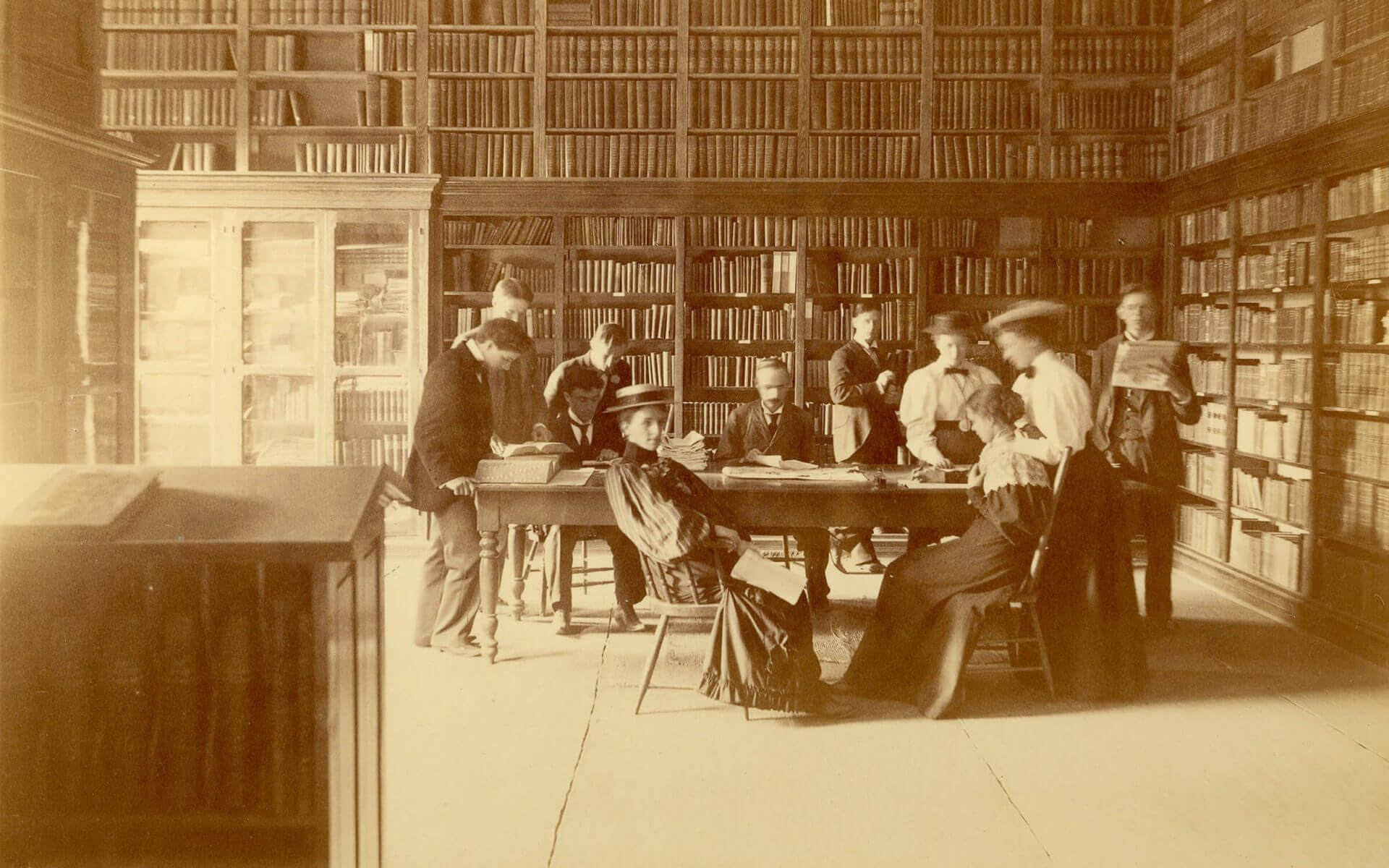
We are proud members of the OPAL, OhioLINK, and SearchOhio consortia, which allows us to provide our users access to hundreds of electronic databases and millions of books, eBooks, and journals. Our collection includes books, music, juvenile, games, DVDs, streaming videos, and many types of equipment such as laptops, cameras, and bikes. The library also houses the university archive, which includes the history of the University and materials on the United Brethren Church, the institution that founded the University in 1847.
The library’s staff members are available to help you succeed here at Otterbein, by helping you find the information you need. Stop by the Customer Service Desk to ask questions or email your Personal Librarian directly. You can also Ask a Librarian via chat, email, text, or get social with us through Facebook, Twitter, and Instagram @Courtrightlib.
If you need assistance finding your way around the library, take a look at our Welcome LibGuide.
Library News & Events
Book Discussion on April 11th – Moon of the Crusted Snow
Posts - April 4, 2024
The latest session of the Reading Diversely Book Club will be meeting on April 11th at 6pm on the second floor of the library to discuss Moon of the Crusted Snow by Waubgeshig Rice. This program is INST and cardsSTANDtogether approved! You do not need to have attended other Reading Diversely sessions to attend this - all are welcome! Moon of the Crusted Snow is a short post-apocalyptic novel. The description is "With winter looming, a small northern Anishinaabe community…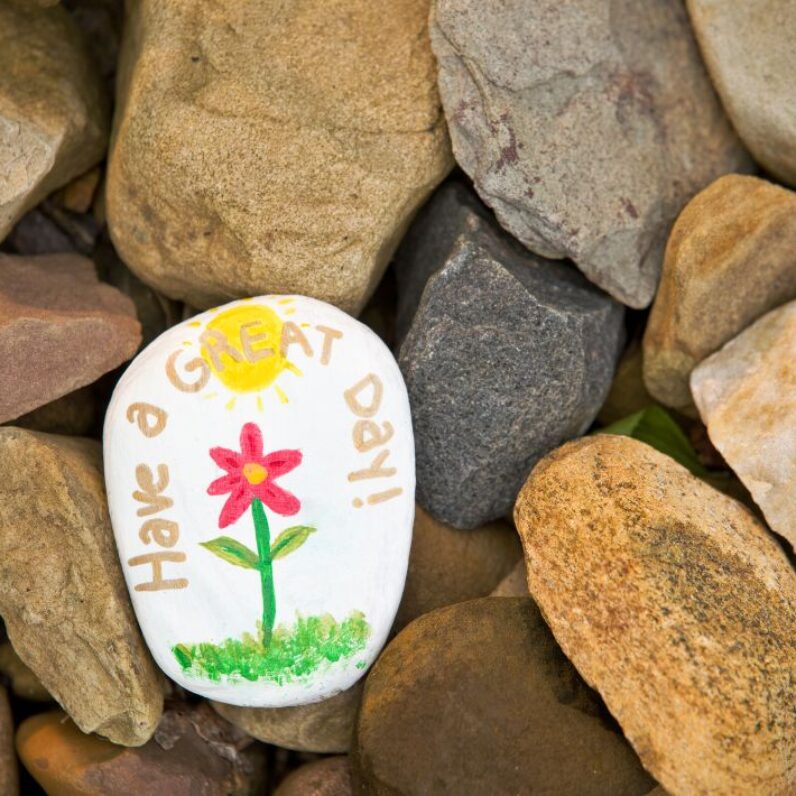
Painted Rocks Creator Space on April 3rd
Posts - March 26, 2024
The library will be holding one of its most popular program series, the Creator Space, on April 3rd from 4:30pm-6pm in the Lower Level of the library, focusing on a favorite pastime: painting rocks! Rocks and painting supplies will provided, as well as some tips on how to paint the rocks. Painted rocks are popular for leaving in different spaces for people to find, bringing a spark of joy and wonder into their lives. They are also fun to give…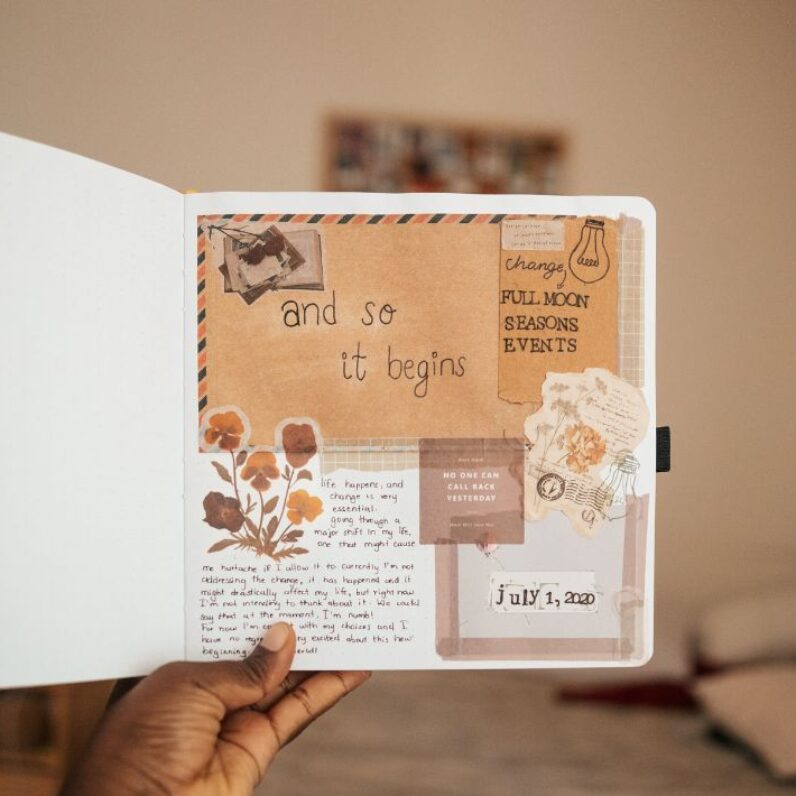
Junk Journaling on February 22
Posts - February 14, 2024
Want to stretch your creative muscles? Take a break and join the library for a junk journaling session on February 22th, 4pm-5:30pm in the library lower level! Junk journaling is a fun way to get your thoughts down on paper while also doing something creative. Blank journals will be given out (while supplies last) and art supplies will be provided, although you are welcome to bring your own. Stop by and see what you can make! INST approved. This is…Digital Commons @ Otterbein
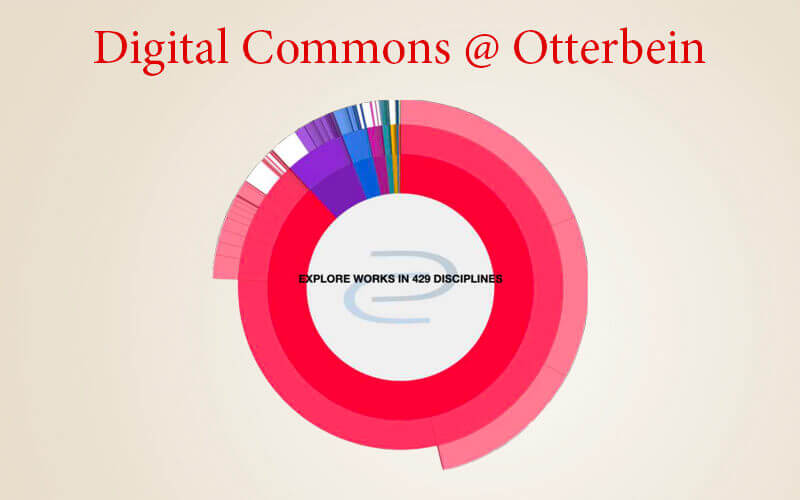
The Digital Commons @ Otterbein is an institutional repository of digital materials that includes faculty scholarship, student projects, historical documents, videos, photographs, video, and other information that benefits the university community. It provides persistent and centralized access, with the aim to preserve and provide a long-term home to research and scholarly activities at Otterbein.
Otterbein University Archives
The Otterbein University Archive is our historical repository. It contains the materials that tell the story of the school, including publications, documents, photographs, and historical artifacts. The Archive also contains materials related to the history of the United Brethren Church, which founded Otterbein in 1847, and its successive denominations.
Contact the Library
138 West Main Street.
Westerville, OH 43081
614-823-1215
library@otterbein.edu
Comments, Suggestions?